






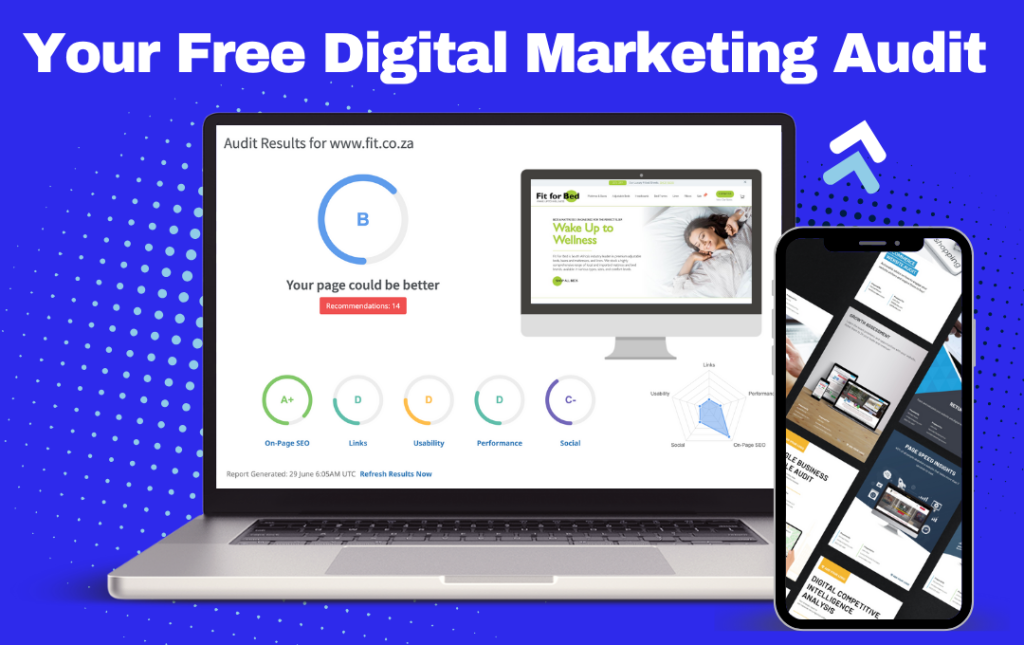
At UpMarketing, we offer free audits to help South African businesses uncover quick wins and long-term opportunities across SEO, paid media, and web performance. To get the most value from your audit, we may request access to key platforms like Google Analytics, Google Ads, and Google Tag Manager.
Follow these simple steps to securely share access with our team:
1. Google Analytics Access (GA4)
Step-by-step:
- Go to https://analytics.google.com and log in.
- Click Admin (gear icon in bottom-left corner).
- Under Account or Property, click Access Management.
- Click the blue + button > Add Users.
- Enter our email:
audit@upmarketing.co.za - Set permissions to: Viewer or Analyst (we’ll advise which).
- Click Add.
- 📌 Need help finding your GA4 property? Let us know in your reply and we’ll walk you through it.
2. Google Ads Access
Step-by-step:
- Go to https://ads.google.com and log in.
- Click the Tools & Settings (wrench icon) in the top menu.
- Under “Setup”, choose Access and Security.
- Click the blue + icon to invite a new user.
- Use
audit@upmarketing.co.zaas the email. - Choose Read-only or Standard access (we’ll confirm if more is needed).
- Click Send Invitation.
3. Google Tag Manager Access
Step-by-step:
- Go to https://tagmanager.google.com.
- Select the container you want to share.
- Click Admin > User Management.
- Click the blue + > Add Users.
- Enter
audit@upmarketing.co.za - Assign Read or Edit access (we’ll guide you).
- Click Invite.
🔐 Security & Privacy
Your data is in safe hands. We only access what’s necessary for the audit and remove ourselves after the review. No changes are made to your account without your permission.
Need Help?
If you get stuck at any step, just reply to your confirmation email or contact us here. We’re happy to walk you through it!